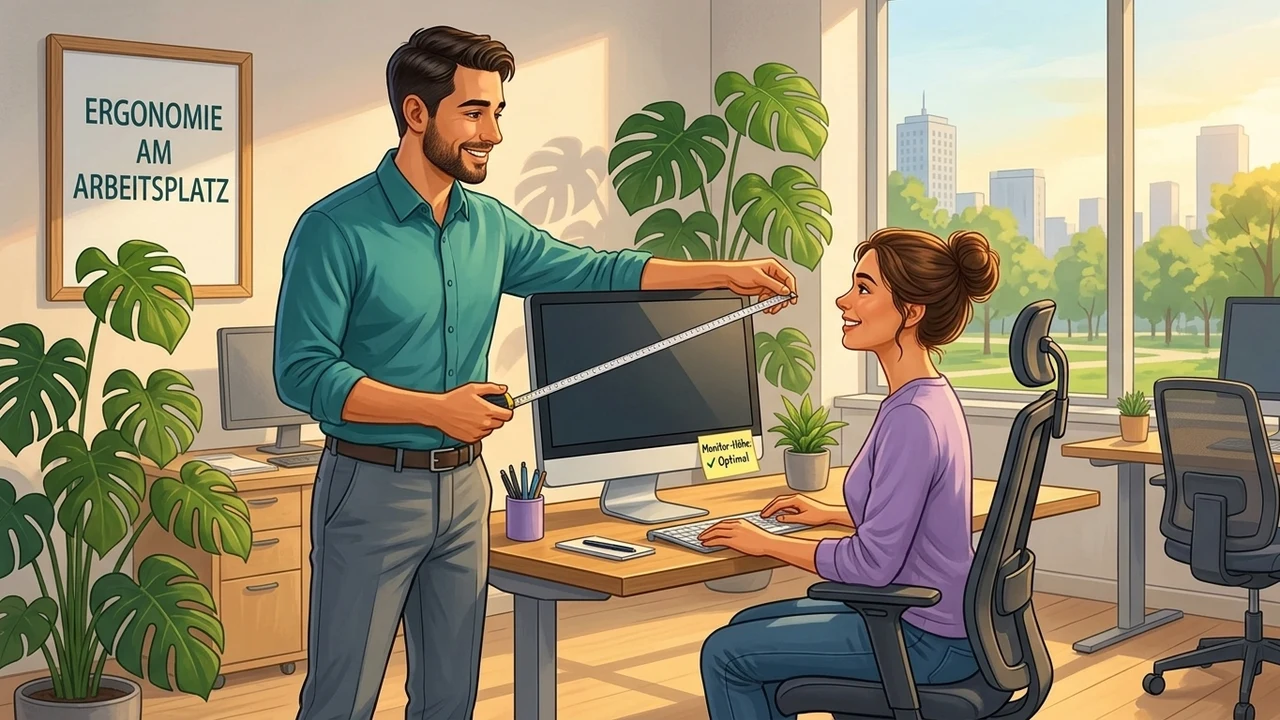
On-Site Ergonomics Consultation
No poster and no video can replace the moment when someone with expertise stands next to an employee, adjusts their screen, and says: "There. Do you feel the difference?" Ergonomics consulting at the workplace is a very direct form of prevention—and one that is often underestimated.
What happens when an expert is on site?
A trained ergonomist sees things in ten minutes that the employee themselves may not have noticed in years: the chair is too low, the monitor is too far to the right, the mouse is at the wrong height. These individual adjustments have an immediate effect—and they last, because they are tailored to the actual body and workplace, not to an average person in an instructional video.
How can you scale consulting effectively?
An ergonomist can only provide a limited number of individual workplace consultations in a single company day. That may sound like little, but for those affected it is often a lasting turning point. If you combine the consultation with a simple follow-up form—"What did I change, what did it achieve?"—you create accountability and gain valuable internal feedback for future WHP measures. Such measures complement the risk assessment that German occupational safety and health law requires of every employer—what is included is summarized in the Occupational Safety Basics.
How do you put the measure in place?
- 1Commission a qualified ergonomics consultant and ask the statutory accident insurance (Berufsgenossenschaft) in advance about possible support.
- 2Draw up a list of all workstations to be visited and plan about 20–30 minutes per workstation.
- 3Collect existing complaints (e.g. back, neck, eyes) anonymously so the walk-through can be targeted.
- 4Agree a schedule with the teams that disturbs daily operations as little as possible.
- 5Inform all employees by invitation about the procedure, the goal and their individual time slot.
- 6Explain that it is about individual improvement and not about checking how people work.
- 7Ask participants to be at their workstation during the appointment and to show typical tasks.
- 8Support the walk-through organisationally and record the recommendations for each workstation in writing.
- 9Sort the measures into immediate action (chair/desk settings) and procurement (e.g. monitor arm, footrest).
- 10Carry out the simple adjustments straight away and start the orders for equipment.
- 11Check whether all recommended adjustments have been made and the equipment has been delivered.
- 12Ask employees whether complaints have eased and the adjustments suit them.
- 13Document the results for the risk assessment (Gefährdungsbeurteilung) and plan a repeat for new workstations.
What do you need for it?
- Effort
- half a day
- Cost
- with budget
- Duration
- 1–2
- Setup
- 240 min
- ✓ Professional
- ✓ Individual
- ✓ Sustainable
- ✓ Employer's liability insurance (BG) support possible
Tax and health insurance: what is possible
Employer health benefits can be tax-free under § 3 no. 34 of the German Income Tax Act (EStG) up to €600 per employee per year — if they are provided in addition to the salary already owed and are either certified (§ 20 SGB V) or implemented within the company's health promotion process. Gym memberships and corporate fitness are not covered. For ZPP-certified courses (e.g. from Upfit), German statutory health insurers can reimburse all or part of the course fee to their insured members — then only the amount exceeding that reimbursement is tax-free. Projects within the company can be funded under § 20b SGB V, with no entitlement. Only your tax adviser can confirm the tax exemption.
How it works in EasyWHP
This Best Practice in EasyWHP: adopt it, adapt it, measure the effect
Once adopted, the measure is ready in EasyWHP — with instructions, an invitation and surveys before and after. You adapt what fits your company and see at the end what it achieved.
Screenshots with demo data, no real people.
Adopt it for your company
Register for free — and the measure is ready to go in your cockpit: invitation, feedback survey and appointment are already set up. First cycle, first numbers for the boss.
Try EasyWHP for freeRather take a look first? To the live demo →
Contributes to
Measure the impact with
Action field
Ergonomics & Occupational Safety →A fitting occasion
- World Day for Safety and Health at Work
Related Best Practices
Not sure where to start? Self-check in approx. 7 minutes →